


Facility management

Run more sites without adding dispatchers.

Lyntcube takes fault intake, dispatch, compliance and client reporting off your helpdesk, so engineers get clear jobs and clients get answers before they ask.

24/7 fault intakeSyncs with your CAFM and ERPEvery action logged
Site health, this monthCampus North · all buildings
Jobs on time96% this month
Certificates valid97% current
Planned work92% done
WORK ORDER 7714 · BUILDING C
Chiller fault, plant room 2
Reported14:02 by phone, coded P2
AssetCH-02, HVAC
EngineerM. Keller, on site 15:10
StatusEngineer dispatched, client notified
VariationPart above threshold, draft for client
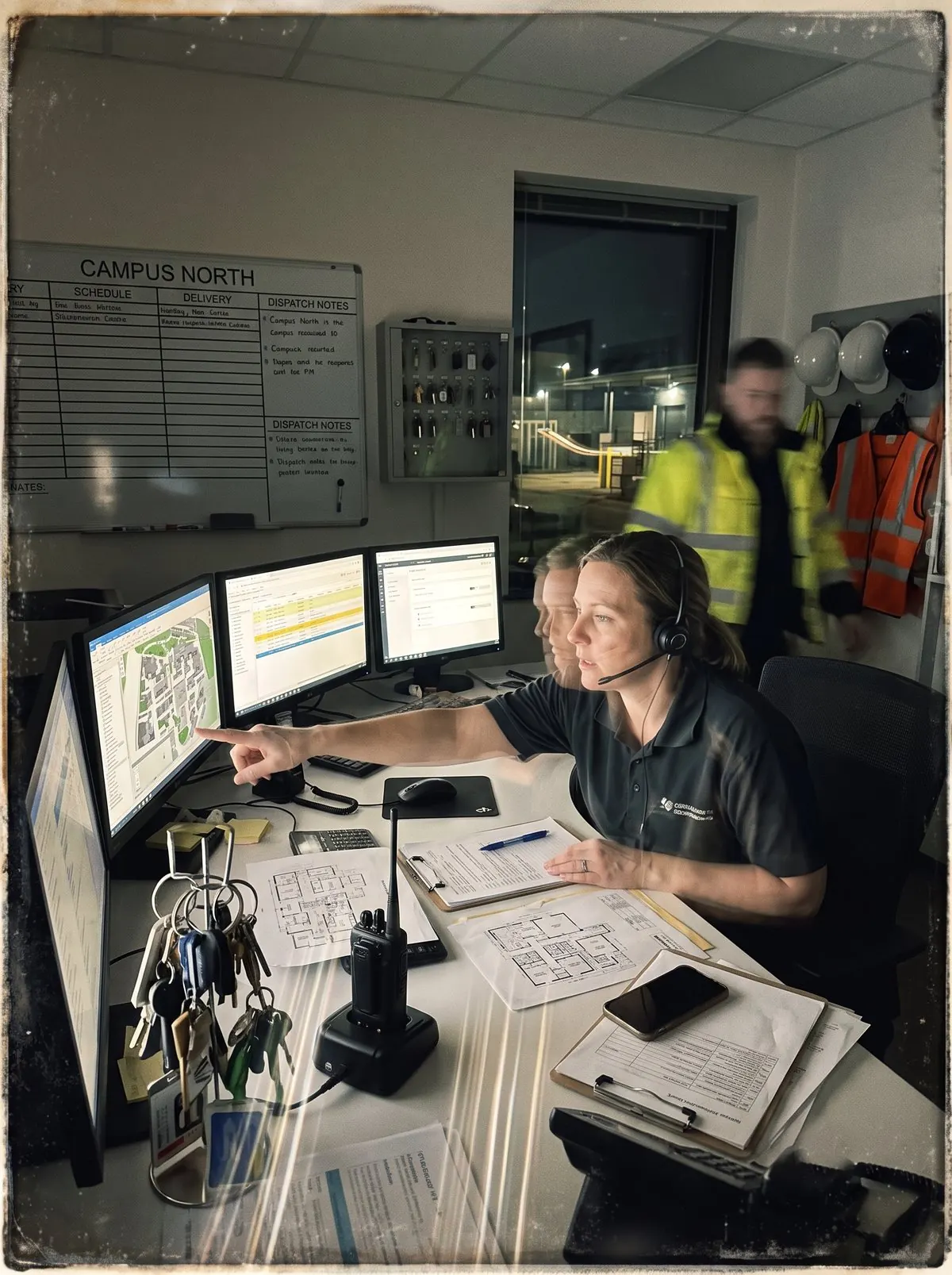
A dispatcher with a headset pointing at a campus map in a facility control room at night, while a technician in a hi-vis jacket hurries past

Your team’s time leaks in the gaps between the inbox, the CAFM and the subcontractors.

01Fault requests triaged by handFaults arrive by phone, email, WhatsApp and portal. Each one is read, coded and dispatched by a person.
02Certificates chased by handStatutory tests, permits and contractor documents tracked in spreadsheets, with fines when one lapses.
03The same data in every systemA new site or asset is typed into the CAFM, the ERP and the client portal. Hours a week go into copy and paste.
_Workflows

Pick a workflow and see what Lyntcube handles.

Each workflow runs end to end against your contracts, sites and asset register, and writes the result into your CAFM.

What comes in Fault calls, emails and portal ticketsContracts and scope by siteEngineer skills and locations
Lyntcube agent layer CodingPrioritisationDispatchJob trackingEscalation
What goes out Work order in the CAFMEngineer job packClient notified
You decideSpend above your threshold and out-of-scope work.
_Built for FM contracts

Built around your contracts, not a template.

Three things make the difference between an assistant that suggests and a workforce that delivers.

Contract-awareEvery fault is coded against the site, scope and priority of the contract it belongs to, so the right engineer gets the right job first time.
Works inside your CAFMAPI where one exists, the Computer-Use Layer where it does not. Work orders, certificates and invoices land where your team already looks.
Supervised by designApproval limits per workflow, one-click takeover and a full audit trail. Prices and out-of-scope work always come to a person.
<2 minAverage first response, any channel
24/7Fault intake and on-call escalation
100%Of agent actions logged and inspectable
_Inside the platform

Every job and every certificate, one view.

Live status for work orders, inspections and permits across every site and contract, instead of a month-end spreadsheet.

Operations · all sites
Open work orders42
First-time fix81%
Certificates valid97%
Non-compliant assets3
Jobs closed per dayOn timeOverdue
Week 1Week 2Week 3Week 4

Break it down by site.

See which sites keep jobs on time and certificates current, where issues recur and how each site changes week by week.

SiteOverallMonTueWedThuFri
Campus North97%
Retail Park West94%
HQ Tower96%
Logistics Hub 389%
Clinic Group95%
On trackNeeds attentionNo data

Point, click and connect.

Lyntcube works with the CAFM, building systems and office tools your teams already use, through an API where one exists and on screen where it does not. No IT project.

See all integrations

OutlookTeamsBMSCAFM lyntcube ERPClient portalSharePointExcel
_Getting started

Live in weeks, not quarters.

Live in two to four weeksNo migrationRead-only access to startA named team on our side
01
Process mapped

Map your process

A 45 to 60 minute discovery session on the files, decisions and outputs your team already uses.

02
Workflow tested

Build and test

We tune two or three workflows against your own real cases until the results match how your team works.

03
Ready to launch

Launch and measure

Go live with approval limits you set, measure the time saved, then add workflows as they earn their place.

_FAQ

Facility management questions.

Anything else? Bring it to the demo.

Is this built around my contracts?

Workflows follow your contracts, asset registers and client reporting formats. We map them with you in the discovery session.

Which CAFM systems do you work with?

Tell us what you run. If it runs on a PC or has a usable API we can work with it, and we will tell you honestly which lane it falls into.

Can it handle emergency calls?

Voice agents classify urgency and start the on-call process at any hour, and a named person is always the escalation point.

Who approves prices and out-of-scope work?

Your team. Agents prepare the draft with context, and anything above your limits waits for a one-click approval.

Where is our data stored?

In EU data centres, under a data processing agreement. Your data is not used to train models.

_Live demo

See it on your own contracts.

30 minutes. Bring one real fault ticket, anonymised.

30 minutes On your own case No commitment